What Actually Needs to Go Into an AS 4072.1 Passive Fire Register? (And Why It Matters)
When it comes to passive fire protection, the paperwork often feels more painful than the work onsite. But if you’re operating in Australia or New Zealand, AS 4072.1 sets the standard for how penetrations and control joints should be documented. And that’s where a proper passive fire register comes in.
A good AS 4072.1 register isn’t just a spreadsheet with a few hole sizes and product names. It’s a full record of what’s been installed, where, how, and by who - so anyone down the track can pick it up and immediately understand the firestopping story of that building.
At FireQA, we build this into the workflow automatically, but here’s what it actually means in practice.

Start With a Clear Cover Page
Every professional passive fire register should open with the basics:
The project name and building name
The full site address
A photo of the building is a nice touch, so anyone reviewing the register knows exactly what they're dealing with. Handy when it is a campus with many buildings
And the installer’s contact details, because councils, certifiers, and auditors always want to know who to call if something needs clarification
It sounds simple, but it makes a big difference in keeping everything clear
Unique ID or Reference for each item
Each item or peno needs a unique identifier, make sure there is only one in the building with that ID. This can be used to search large data bases, spreadsheet or site plans to find or investigate an individual item.
We can autogenerate these in the app as you go, so you do not need to think about it. Peno’s already have IDs? No problem - load them in from an excel spreadsheet. Easy.
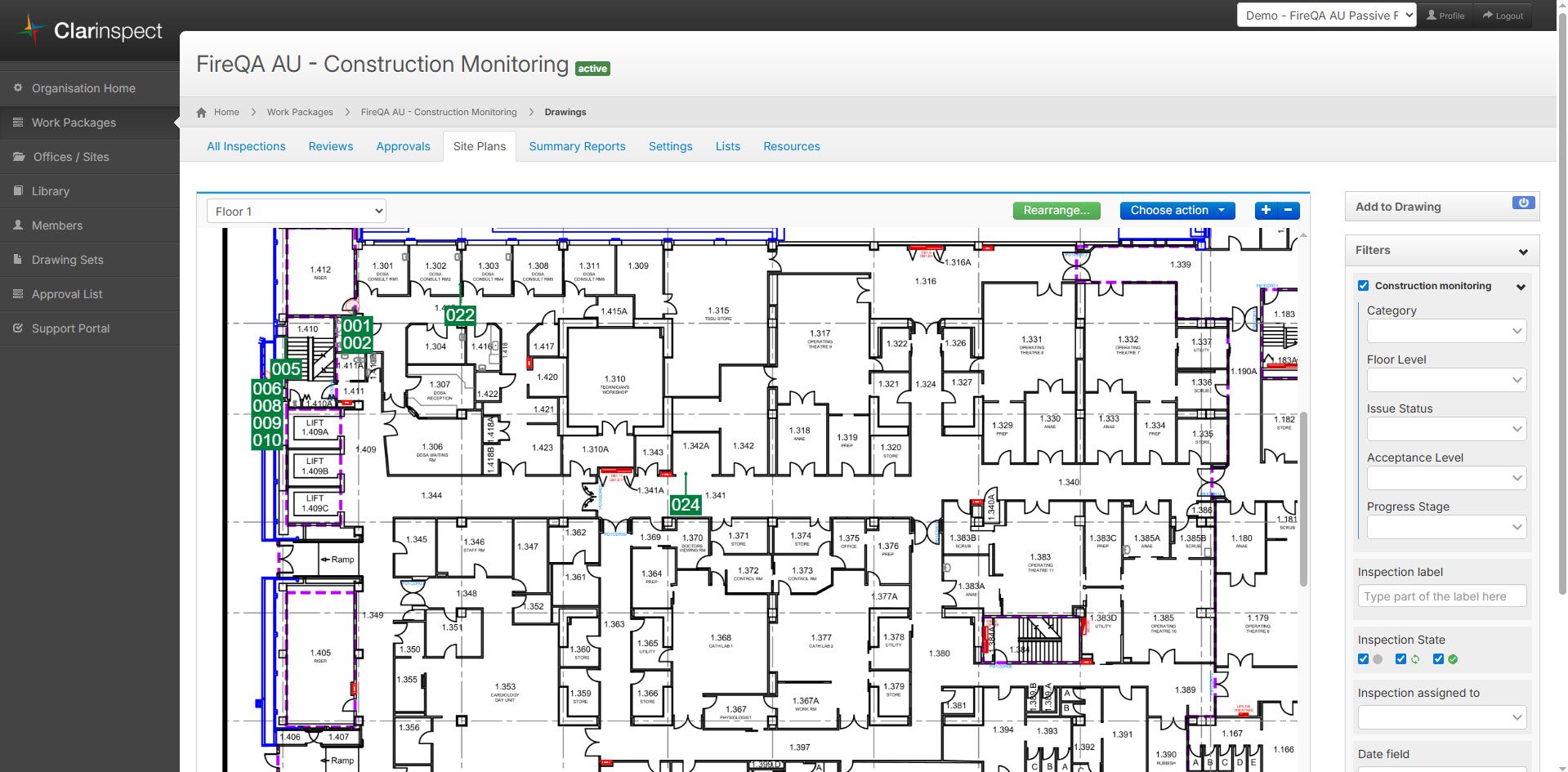
Location - Where it is
Every penetration record needs clear location details:
Level
Room / area / grid reference
Penetration ID number shown on a floor plan. We like to show a zoomed in image of the pin. All the pins can be seen on the big plans, but in the register this zoomed in pin helps the reader or certifier locate it quickly.
Basically, could someone find it again next year for the AS1851 or other inspection? Or in 5 years during maintenance?
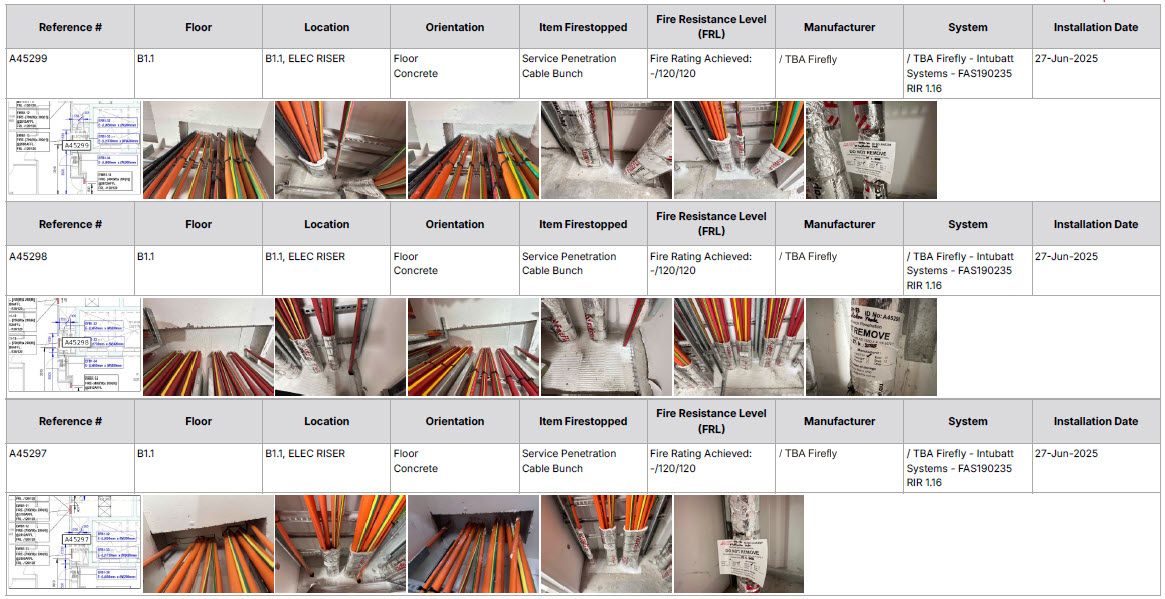
The Item Firestopped - What went through the floor/wall/ceiling/soffit
Is it a Service Penetration? Fire Duct? Etc.. The register needs to note this detail. So if it's a PVC pipe, Cable Bundle, Cable tray or Duct, this detail needs to be recorded.
Plus the size or diameter is good practice. For a circular hole, provide the diameter, a rectangle or square, the width and height are useful.
The required Fire Rating of the system installed.
Add the Fire rating of the solution so the person certifying knows what is the expected level. It’s also nice to have the substrate of the wall /floor /or ceiling but not compulsory.
Example:
120/120/120

The Tested Solution that was Used
This is one of the most important parts.
You need to record the exact fire-tested system used for the installation, including:
Manufacturer
System/solution description/ tested solution reference or ID
Without this, you don’t have traceability, and surveyors or certifiers will bounce it back.
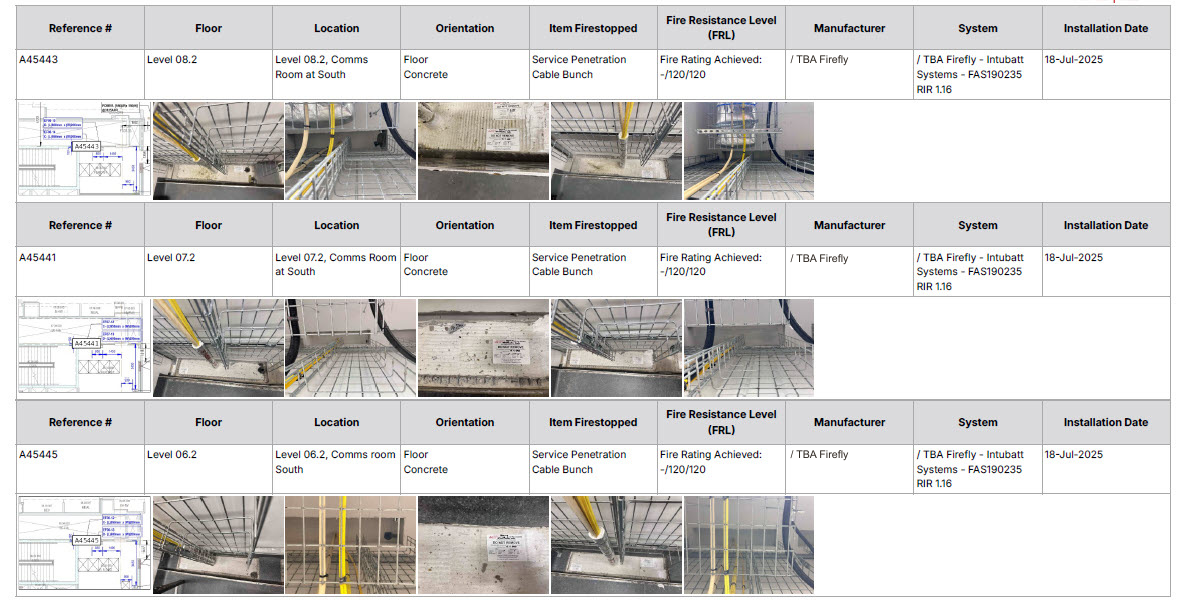
Firestopping materials
What tested system was actually installed? These can be collars, wraps, mastic, batt, pillows or a combination of a few.
Brand + model is key here for compliance. This is not simply a statement of what the system manufacturer says the system should be made of, but what did the installer actually use on the day?
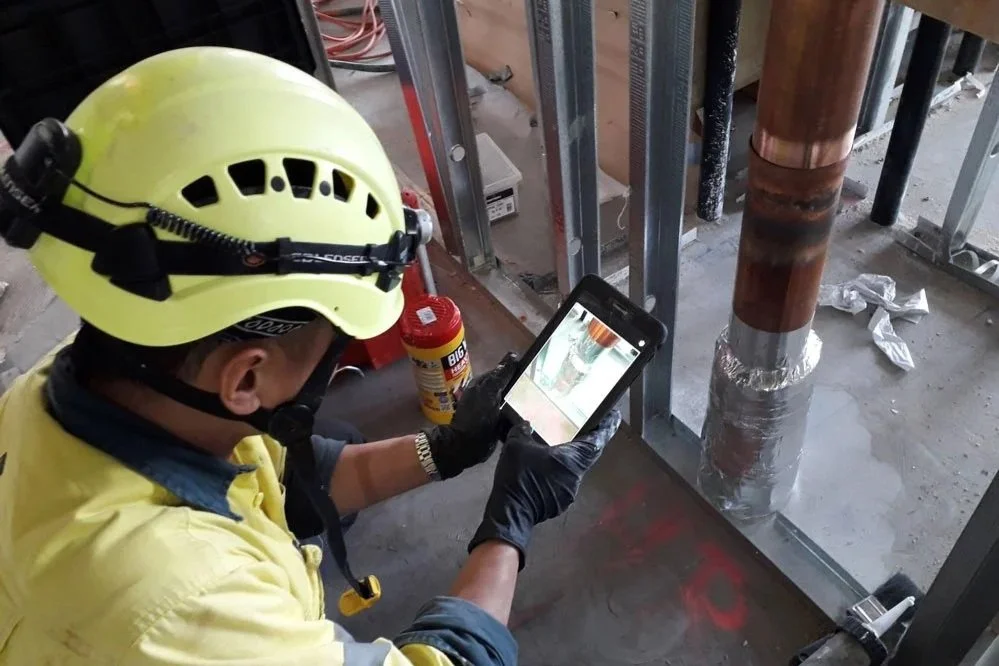
Photos
A good register includes:
Before photo
After photo
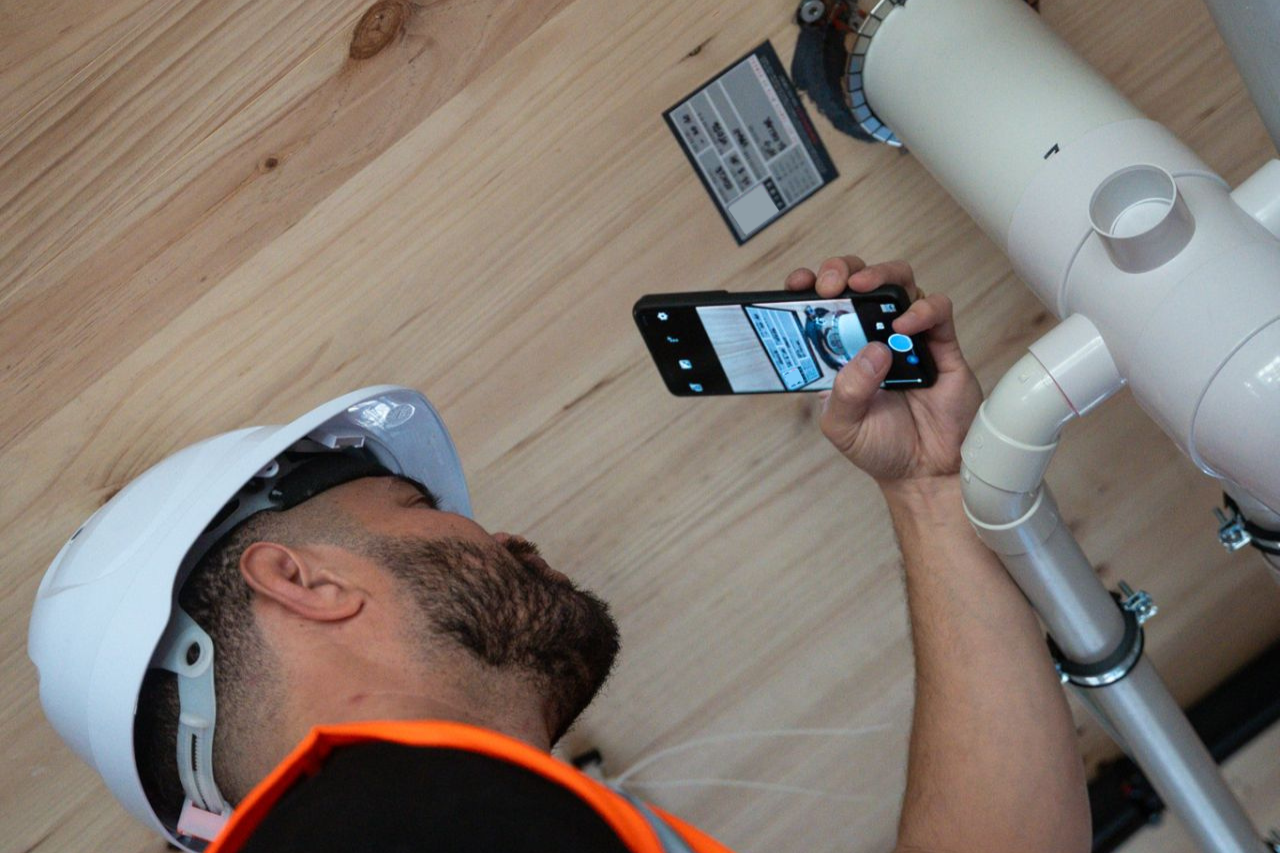
Label photo
Photos reduce arguments and make audits smoother. We also have the ability to add multiple photos at every stage including during photos which are essential for showing your work when adding multiple products.
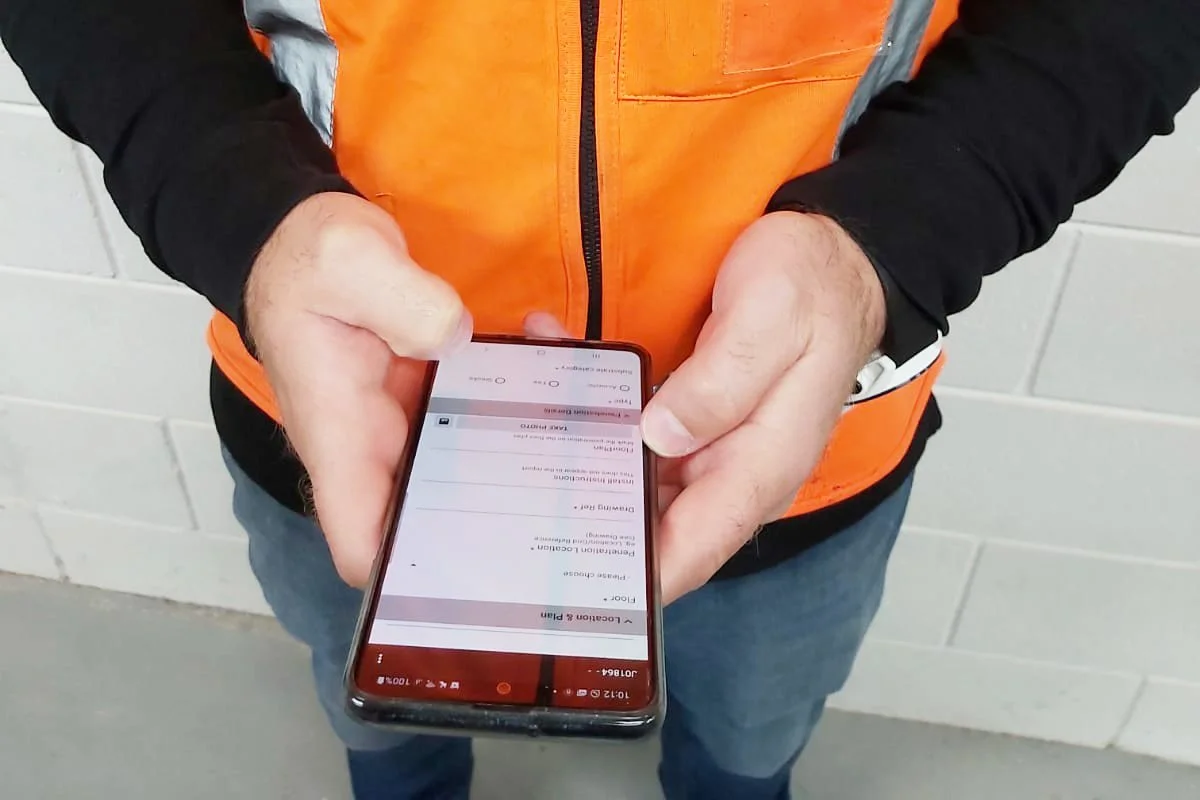
Installer information
AS 4072.1 requires that installations are traceable. You can add details to the sticker, but the register also needs to Include:
Installer name
Company - can be shown in the logo in the footer
Date installed
Inspection & Maintenance Notes
Even though AS 4072.1 is an installation standard, when you finish the job you can also supply a register that can support AS 1851 maintenance.
Include:
Inspection dates
Repairs
Reinstatement notes
This turns the register into a living document instead of a one-off handover file. We can export the data into excel in a variety of templates to suit the needs of AS1851 and your client.
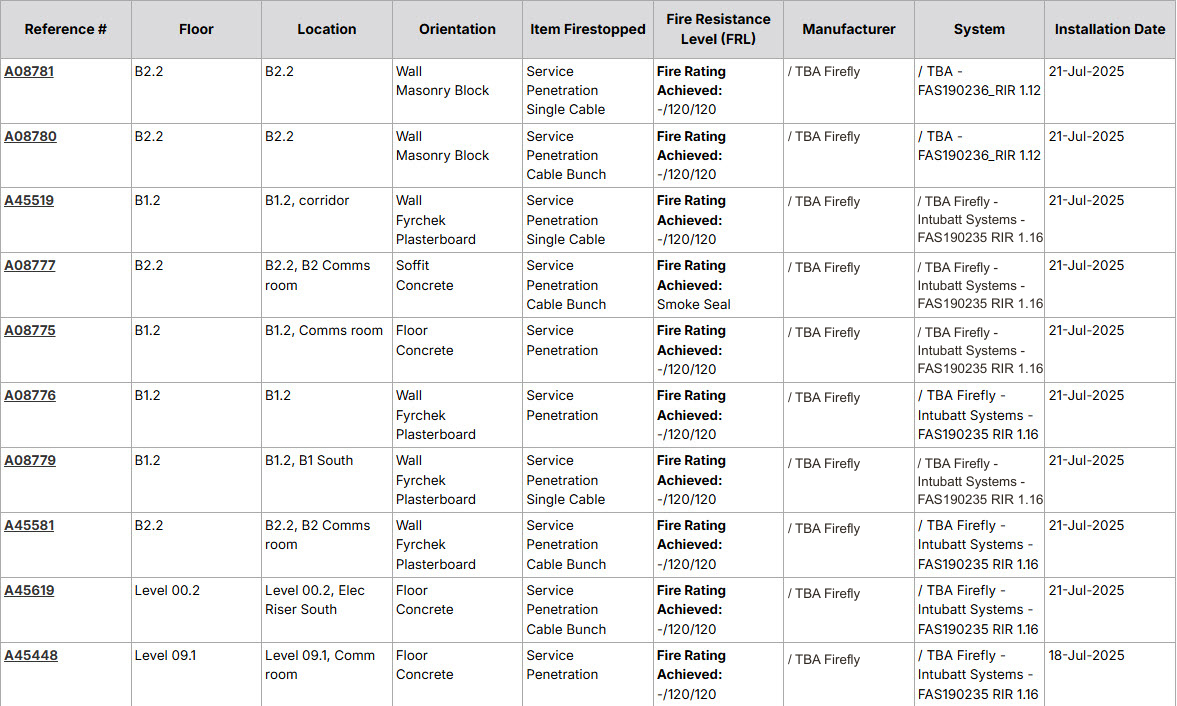
A Good Register Protects Everyone
A detailed AS 4072.1 register:
Helps installers prove compliance
Makes auditors, engineers and certifiers happy as work is easy to sign off
Helps future contractors understand what they’re working with
Protects building owners during audits and insurance checks
It’s one of those things that only becomes a problem when it’s missing.

How FireQA Makes This Easy
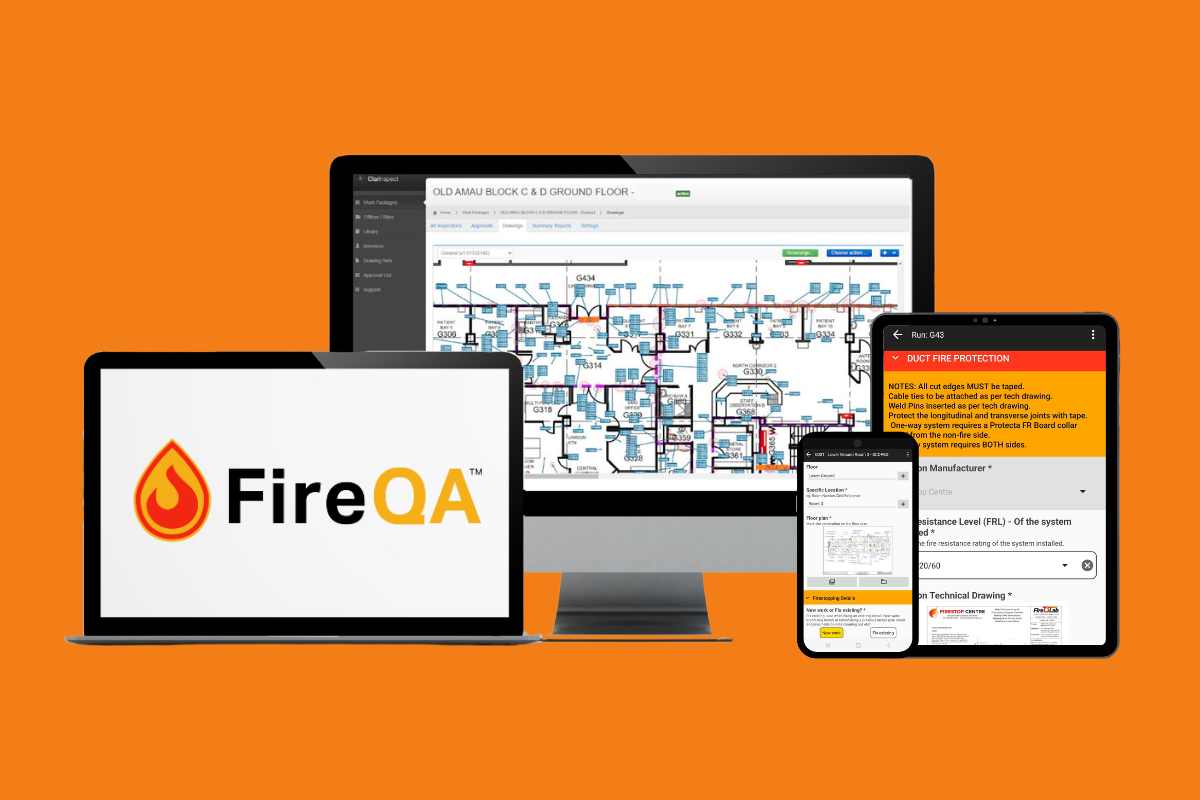
FireQA captures all the required AS 4072.1 info as you work on-site:
Automated cover page (project name, address & building photo)
Location tools - drop a pin on the plan
Tested system references
Installer details - in automatically
Before/during/after photos
Auto-generated unique penetration ID’s
Instant PDF reports and registers, easily export to Excel
Filter the registers to show what you need - ready for handover
Incredible marked up plans that have clear pins showing each penetration
No manual data entry into spreadsheets. No typing into Word. No manually building reports at 10pm. If you're dealing with AS 4072.1 registers regularly and want something faster, clearer, and just less stressful, FireQA will do the heavy lifting.