

Coatings QA and Log
An app to make your coating project monitoring, QA and data logging a breeze. Load all the details of the paint into the app and automate the reports and registers.
Record your Coatings Log and applicator record with ease. Prove the quality of your work with impressive record keeping. Stand out amongst the applicators.
-
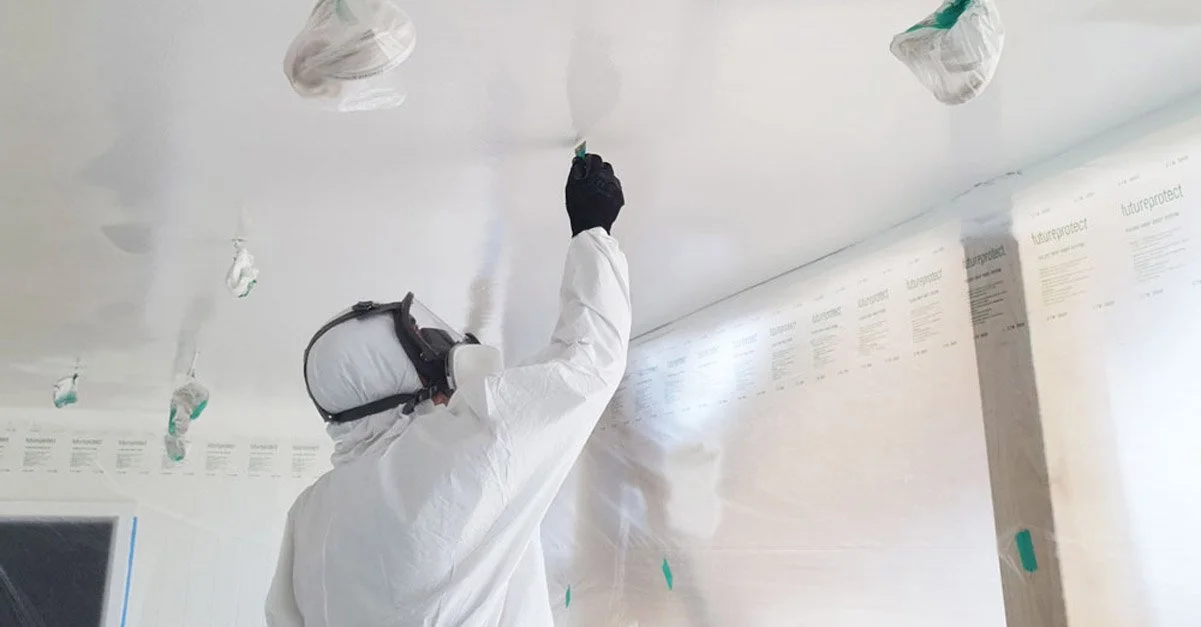
Effortlessly load items for coating into FireQA. Quickly upload items to be coated from an Excel sheet or take-off sheet to start your project easily. So the app has the details pre-loaded and the team can get going straight-away
-

Mark location of Coated items with precision. Drop a pin on the site plan to show exactly where each item is
-

Bluetooth data directly into the FireQA app. No more messing around and copying data over. Readings data goes directly from the DeFelsko® Positector® or Elcometer gauges into the FireQA App. Including Surface profile, climatics and batch data - that's way more accurate and a massive time saver.
-
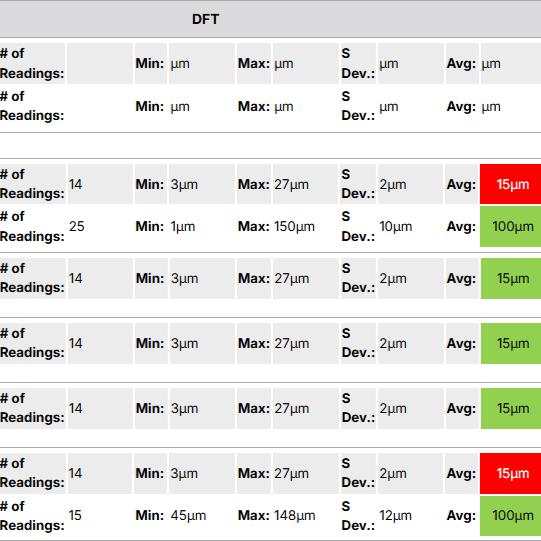
Generate a detailed PDF coatings log in seconds. Instantly create an “as built” PDF record with all the important details – photos, products, batch numbers, climatics, Wet Film Thickness (WFT), and Dry Film Thickness (DFT). Include gauge manufacturer reports into your final QA report.
-

Save time with an automated coatings register. Produce an Excel file that has all your coating records in one organised place. At the tap of a button we pull all of the records for a site into Excel. This can be done once a month for invoicing or at the end of the project for the handover - it’s your data so you choose.
-

Elevate client confidence with thorough documentation. Impress clients and engineers with incredible documentation. Clear and detailed “as-built” individual records, with marked-up plans showing all items and a complete coatings register in Excel. With your branding, these not only look amazing but are a valuable part of the QA and sign-off process.
Why applicators and fire engineers love our Coatings QA and Log system?
Improve quality of the reports. Prove your quality assurance proceedures with photos and accurate data
Straight-forward documentation instantly, remove the guess work and show them the recorded WFTs and DFTs
Analyse in a spreadsheet directly linked into Clarinspect. The data can go into excel so the end user can do what they would like with the data provided
Present client with a clear report on all coated items inclduing photos of the work, the batch readings and climatics recorded. Impress your clients everytime.