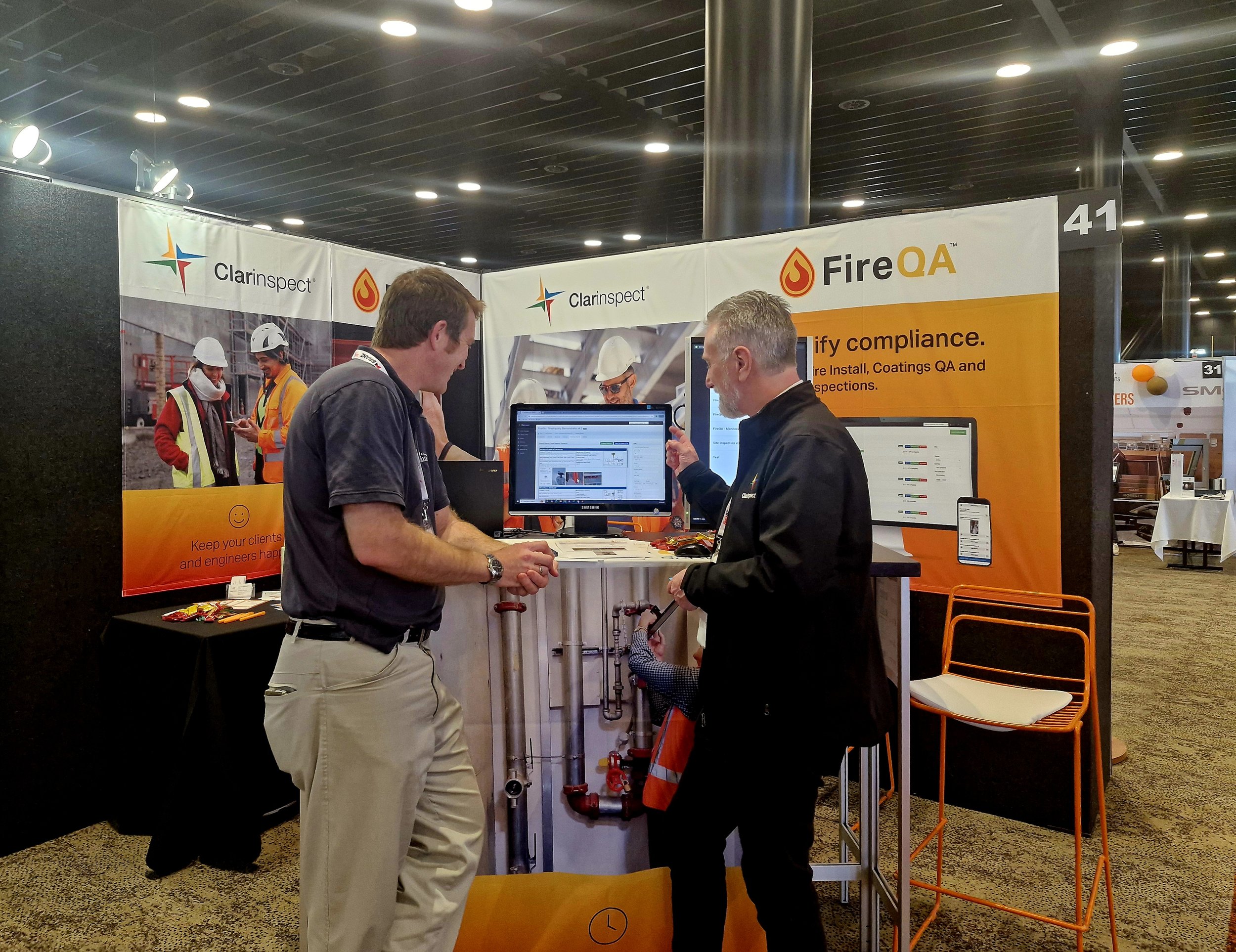
Fire Protection Software that is easy to use and loved by Installers, Certifiers, Auditors, Coatings specialists and Fire Engineers.

Streamline your processes. Save time and save money.
FireQA is a cutting-edge product by Clarinspect, crafted specifically for the Fire Protection industry. Our software earned the prestigious Product Innovation Award at the 2023 NZ Fire Conference, recognizing its impact in transforming fire protection workflows.
As a New Zealand-based company, Clarinspect partners with both national and international companies in the fire protection sector, providing fully customizable mobile inspection, survey, and audit software solutions.
The FireQA package optimises processes from job scoping through to install, inspection / snagging, defect management and the production of registers and marked up floorplans as well as the reports and ‘as-built’ documentation required at each step.
For those in the intumescent coatings field, FireQA supports quality assurance and compliance with detailed record keeping, including Wet Film Thickness (WFT), climatic conditions, and Dry Film Thickness (DFT) data.
The Coatings system in the FireQA package and integrates with gauges from Elcometer and DeFelsko®.
The FireQA package is owned by Clarinspect Limited. Clarinspect is a New Zealand company that benefits a range of national and international companies in the Fire Protection industry with customisable mobile inspection, survey and audit software.
This site is dedicated to FireQA, our fire industry software package that encompasses:
FireQA is trusted by industry professionals to ensure compliance, streamline processes, and enhance operational efficiency in fire protection projects.
Passive Fire FAQ’S
-
Each installation has an 'as-built' report with all details, photographs and a site plan showing where it is situated. Also you get a full register of completed works, and a set of marked up floor plans showing where all the installations are.
-
You get a Word document so you can embellish and make other updates as you see fit. You can also get a spreadsheet of all scoped items for preparing a quote.
-
After doing a scoping you can press a button to take all the scoped items and turn them into draft installs. You can then assign them and issue the work to your staff.
-
Yes, each install, or scoping report has floorplans that you can mark up. These are added into the mark up register and all work can be shown on one master floorplan in the web application.
-
Yes you can. You can use a variety of drawing shapes and text balloons.
-
Yes you can. This QA system is fully implemented.
-
The penetration data automatically goes into an excel spreadsheet that you can set-up for your QS with all of their usual calculations embedded and ready to go.
-
Yes, you are in charge of inviting in new members and removing members too. There is a members section in our hub where you can manage all of your staff.
-
Yes, you invite people as monitors and assign them to specific jobs where they can see all work in progress.
-
Yes, you can set up multiple sets of drawings, and use, then re-use them over and over on jobs.
-
Yes - you can set up a unique sequence for individuals which will be automatically populated when a new penetration is started.
-
Sure thing. Using the Zebra ZQ520 Bluetooth label. You can print labels directly from the app on site.
Coatings FAQ’s
-
You can get a daily coating log with WFTs, and also a QA report with DFTs and a marked up set of floorplans showing all work that was QA'd.
-
Yes, you can set up multiple sets of drawings, and use, then re-use them over and over on jobs.
-
Yes, ... and all DFTs / WFTs can be shown on one master floorplan in the web application.
-
Yes you can. You can use a variety of drawing shapes and text balloons.
-
Yes, you can load batch results in, and the inspection form is auto populated with Min, Max, Average, Standard Deviation, Gauge and Probe serial number along with batch name and number of readings.
-
Yes, you can load readings directly in, and the inspection form is auto populated with Min, Max, Average, Standard Deviation, Gauge and Probe serial number along with the number of readings.
-
Yes you can. In the Web application you can add in attachments, and re-generate your final report.
-
You can do this either on the device (for Elcometer) or on the device and in the Clarinspect App (for the DeFelsko).
-
Yes you can, and you can setup how this works in the Web application.
-
Yes you can. This QA system is fully implemented.
Proud members of