

Firestopping Audits - Built for Speed and Accuracy
Streamline your inspections with a purpose-built tool designed for firestopping audits. Automate your register, reduce admin, and save hours on every job.
Firestopping Audits with FireQA allows you to…

Pre-load your data and hit the ground running
Set your team up for success by loading as much information as possible before heading onsite. Once there, they can simply tap their answers and mark up the plans in seconds - no double handling, no delays.
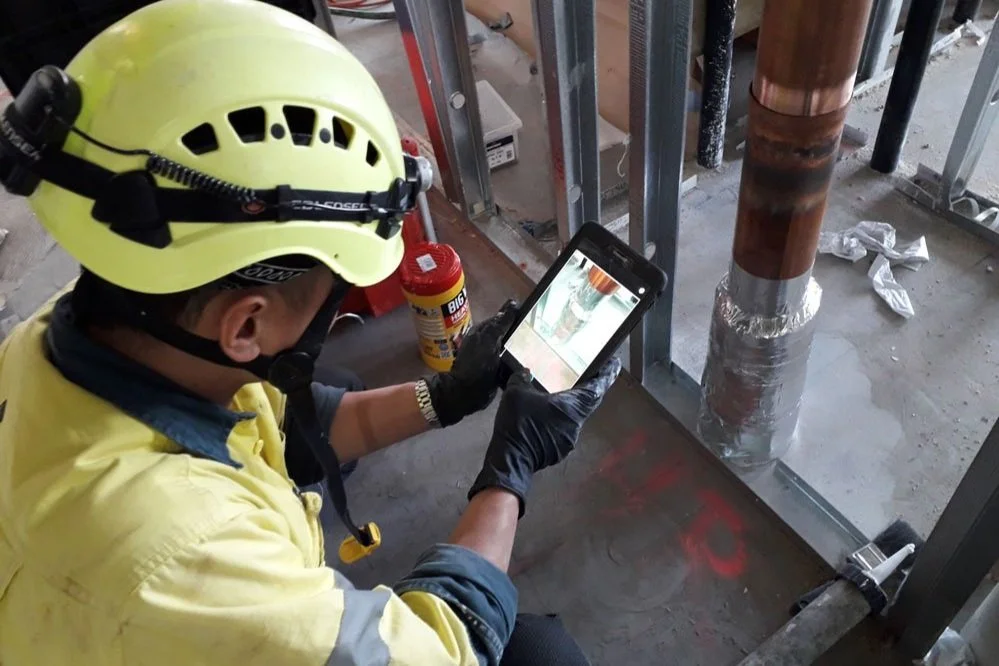
Save hours with in-app photo capture
Take photos directly in the app and they’ll automatically appear in your registers and as-built PDFs. No uploading, renaming, or sorting later - just clean, consistent documentation done in real time.

Next-level plan markups
Clients love our marked-up plans. Change pin colours, resize markers, and clearly show where work’s been done. The visual clarity makes inspections and reporting a breeze.

Smart registers that do the heavy lifting
Our registers are the engine room of your firestopping workflow. Quickly filter by pass/fail/TBC status, choose whether to include photos, and export exactly what your client needs. It's where the time savings really stack up.

Instant as-built PDFs
Generate a professional PDF for each item instantly. These update automatically when items are reinspected or marked as passed, making compliance easy to maintain and simple to share.

Powerful filters your team will love
Our marked-up plans come with smart filters: show just the plumbing penetrations, only the failed items, or highlight all fire doors. Whatever you need to focus on, it's just a tap away.
Deliver Faster, With Greater Accuracy
Get registers to your clients faster—built on data you know is accurate. FireQA does the heavy lifting behind the scenes, so you can deliver high-quality work in less time. By reducing labour hours, you not only save time but drive up profitability across every job. If the team have used the passive fire install in FireQA, then the data can be converted automatically to a Fire stopping audit - less double handling.
Turn Failed Inspections Into Ready-to-Go Install Logs
Easily convert failed items from an audit into draft firestopping install logs - complete with marked-up floor plans, site photos, and fix notes. No more double handling or chasing down failures. Just clear, actionable logs ready for the install team.

Convert each audit item into an installation log for completion.
Why use FireQA for Fire stopping Audits?
Confidently demonstrate compliance
Easily show that each penetration has been inspected and assessed against relevant standards or manufacturer requirements. This data can then be used for the certification and the AS1851 register.
Smart registers that sort photos for you Photos automatically land in the right columns—fail, pass, or reinspection. If something was a fail and is now passed, no worries—FireQA updates the register and moves the photos where they belong.
Customisable, smart lists Edit your dropdowns for faster data entry onsite. See the same non-compliance popping up? Add it to your list so next time it’s just tap and go.
Improve transparency across teams
Grant ‘Monitor’ access to fire engineers, head contractors, or clients so they can follow along in real time.
Visual clarity with plan markups
Track all audit results on a marked-up floor plan—clear, simple, and easy to share.
Generate professional reports fast
Quickly create stage-by-stage reports or export a full final audit register with just a few taps.